
Your first breath
of the internet
A free new tab extension for Chrome and Chromium browsers
ZeroTabs turns a new tab into a quiet home for your bookmarks, saved sessions, reading queue, notes, and focus timer—set against photography, gradients, or generative art.


Good night, Esat
23:32
Friday, March 27, 2026
"The best way to predict the future is to create it."
Today's Focus
What's your main focus today?
Use it locally. Sign in with KnowMan to sync notes, sessions, and settings; bookmarks stay in your browser.
Quietly powerful
Your bookmarks, saved sessions, reading queue, notes, and focus mode—together in the place you open every day.
Bookmarks & Top Sites
Your most-visited sites and saved bookmarks, always within reach. Browse, search, or just glance — right from your new tab page.
Tab Session Manager
Capture an entire set of open tabs and restore them later. Save your research sessions, work contexts, or browsing flows — pick up right where you were.
Reading Queue
Save articles and pages to read later. Your reading list extension lives right on your new tab, in a quiet, distraction-free space. Syncs with KnowMan.
Quick Notes
A built-in notepad on your new tab page. Jot down ideas, to-dos, and thoughts right where they happen — no separate app needed.
Focus Timer (Pomodoro)
A built-in Pomodoro-style focus timer to keep you on task. Set an intention, then let it guide your browsing session.
Full Keyboard Navigation
Navigate every feature from your keyboard. Fast, fluid, and completely out of the way — designed for power users who never touch the mouse.
Three background modes
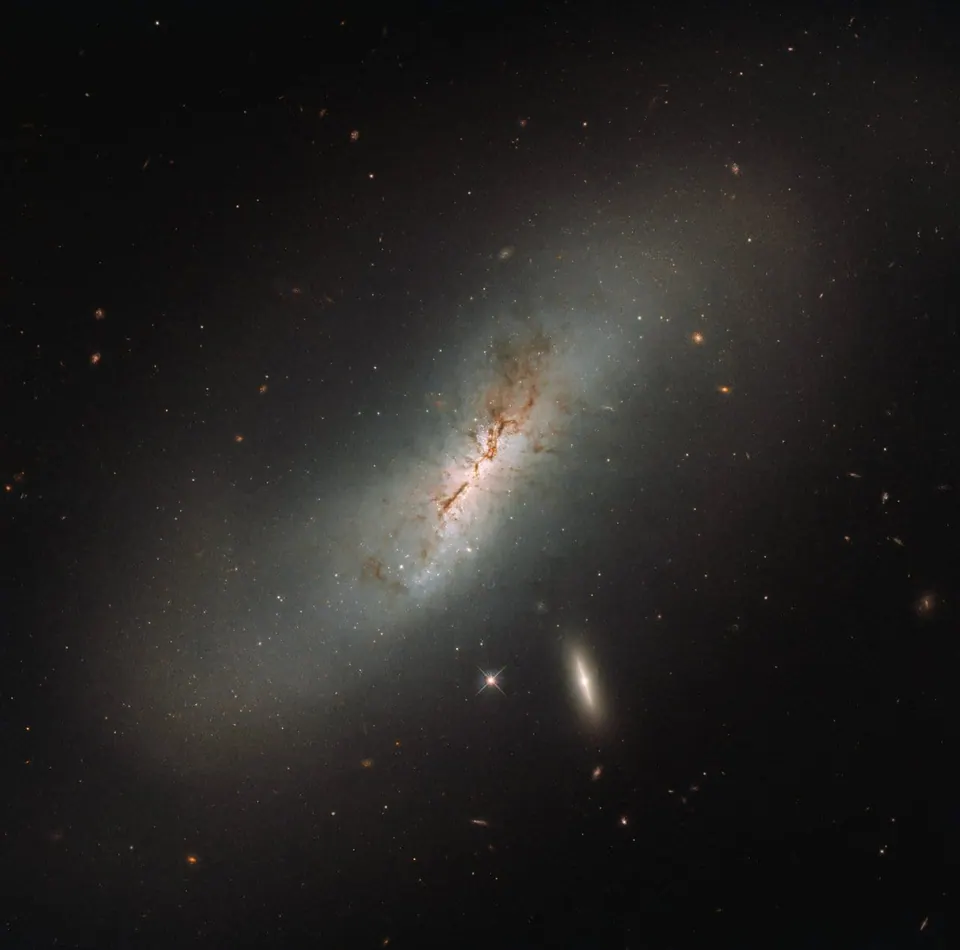
ZeroTabs offers three distinct new tab background styles: high-resolution curated photography that refreshes daily, soft color gradients that shift with your mood, and generative art that evolves with the hour. Choose the aesthetic that fits you.
Good night, Esat
23:32
Friday, March 27, 2026
"The best way to predict the future is to create it."
Today's Focus
What's your main focus today?
Photography — a curated CC0 library

Good night, Esat
23:32
Friday, March 27, 2026
"The best way to predict the future is to create it."
Today's Focus
What's your main focus today?
Gradients

Good night, Esat
23:32
Friday, March 27, 2026
"The best way to predict the future is to create it."
Today's Focus
What's your main focus today?
Generative Art
Built by KnowMan
ZeroTabs is made by KnowMan, an AI-native knowledge platform. Together, they help make space for the things you want to keep.
Keep your browsing yours.
Bookmarks stay in your browser. Use ZeroTabs signed out, with your data stored on your device, or sign in through a free KnowMan account to sync notes, sessions, and settings. Read the privacy details.
A few useful answers.
What is ZeroTabs?
A free new tab extension with bookmarks, saved tab sessions, a reading queue, notes, and focus mode—set against photography, gradients, or generative art.
Is ZeroTabs free?
Yes. Every feature is free, with no trial or paid tier.
Do I need a KnowMan account?
No. ZeroTabs works signed out and stores data locally. Sign in with a free KnowMan account to sync notes, sessions, and settings across computers. Bookmarks stay in your browser.
Which browsers can I install it in?
ZeroTabs is available in the Chrome Web Store for Chrome and Chromium-based browsers, including Brave, Microsoft Edge, Arc, Vivaldi, and Opera.
How do I install ZeroTabs?
Choose Add to Chrome to open the Chrome Web Store listing, then select Add to Chrome in the store.

A more beautiful start
Give your next new tab a calmer start, with the tools you reach for already in view.
Works with Chrome and Chromium browsers. Free, with no ads.